New AI learning for CBSE schools, Classes 1–10

Learning beyond imagination.

CBSE chapters become cinematic missions students step inside, with Future Skills labs and NOVA, an AI guide, on the screens your school already has.

15 schools and organisations have worked with us

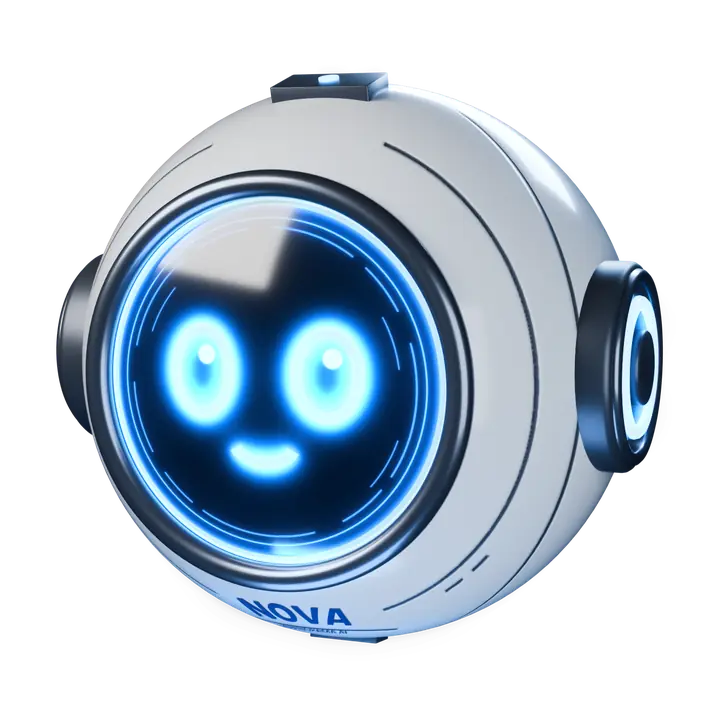
NOVA, Learnorama’s AI learning companion

Trusted by schools

15 schools and organisations have worked with Learnorama

  • Meridian School
  • GD Goenka School
  • St. Joseph's School
  • NIHOC
  • Mount Basil High School
  • Suprabhat Model High School
  • St. Ann's School
  • Waxsan International School
  • Nobel High School
  • Alwick High School
  • Soul Sportza
  • Vizag Sports Club
  • Aekaksh Foundation
  • Shri Shiva Ganga
  • Czar International

The problem

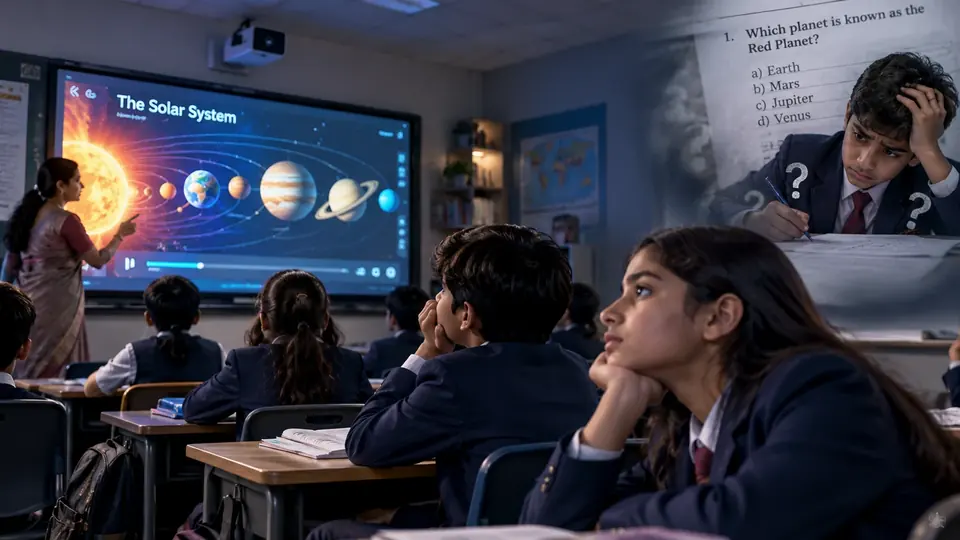
Smart boards were meant to change lessons. Most just play videos.

  • Students watch, then forget

    A video on a smart board is still a lecture. Chapters get memorised for the exam and lost soon after.

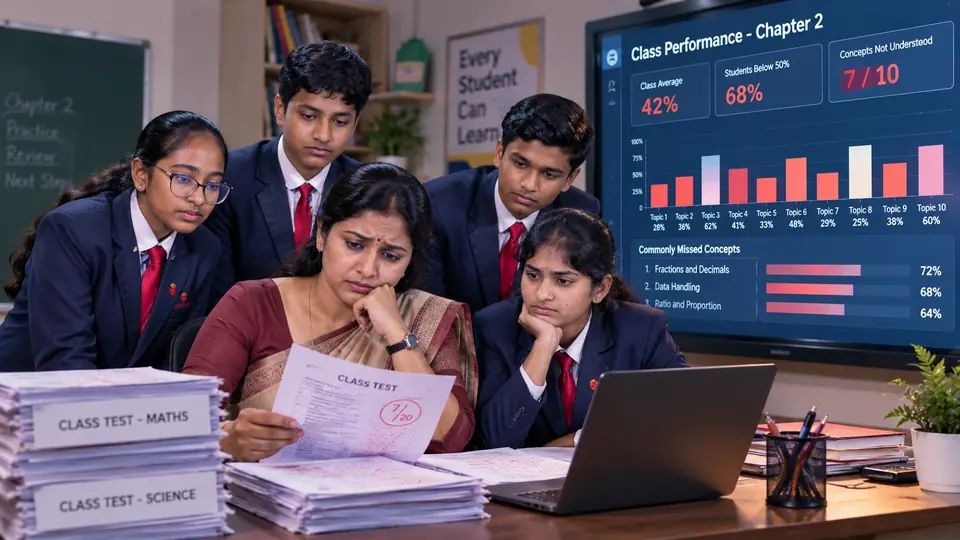
  • Teachers find out too late

    Marks arrive weeks after the lesson. By then the class has moved on and the gap has grown.

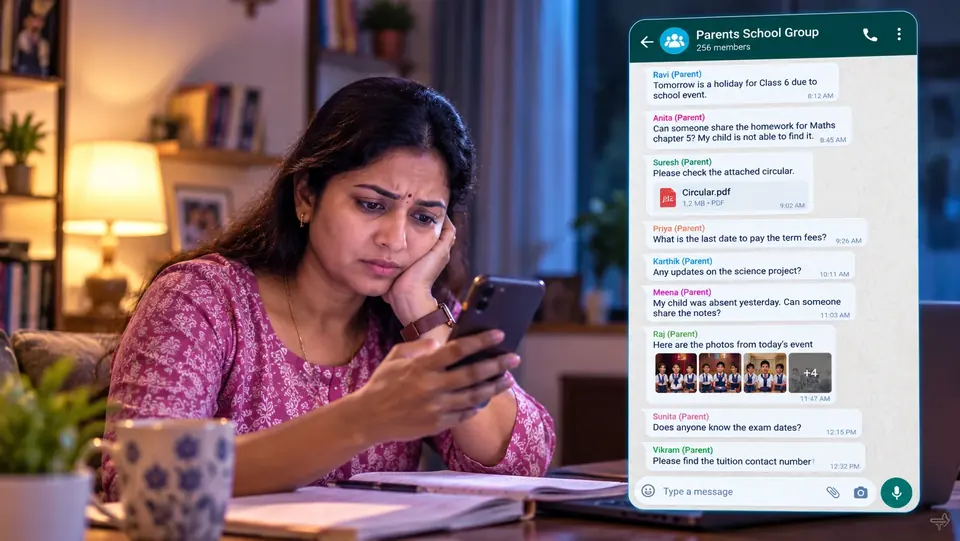
  • Parents hear it in group chats

    School updates get buried in WhatsApp groups where every parent’s number is visible to everyone.

  • Future skills sit outside the timetable

    Coding, forensics, AI and entrepreneurship need labs, kits and trained teachers most schools don’t have.

Screen recording of a cinematic CBSE lesson running in the Learnorama LMS, with NOVA beside it.

How it works

One chapter, four steps.

Every mission follows the same path, so teachers know what to expect and students know what comes next.

  1. Concept

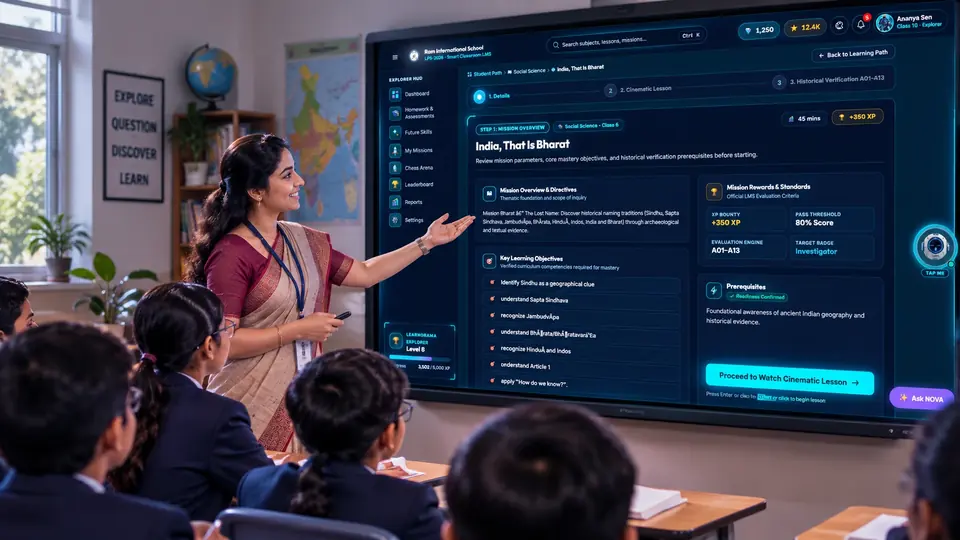
    The teacher opens the chapter’s mission on the classroom screen. It follows the CBSE textbook and its learning outcomes.

  2. Experience

    A short cinematic film puts students inside the chapter: the place, the people and the problem to solve.

  3. Interaction

    Students investigate, answer and build. NOVA asks the questions that make them think instead of giving the answer away.

  4. Understanding

    Assessments check what stuck. Teachers, the school and parents see the results in the Learnorama LMS.

Programs

Four programs, one platform.

Use them together or start with one. Every program runs inside the same Learnorama LMS.

The Learnorama Explorer Pod at a Himalayan base camp at night, from Mission Bharat

CBSE missions

Chapters from Classes 6 to 10 become missions students live through. Mission Bharat, for Class 6 History (Social Science) (“India, That Is Bharat”), is live today.

  • A 15-minute cinematic film
  • 14 assessments, 100 marks
  • Historian Explorer badge on completion
See the CBSE mission map

Future Skills labs

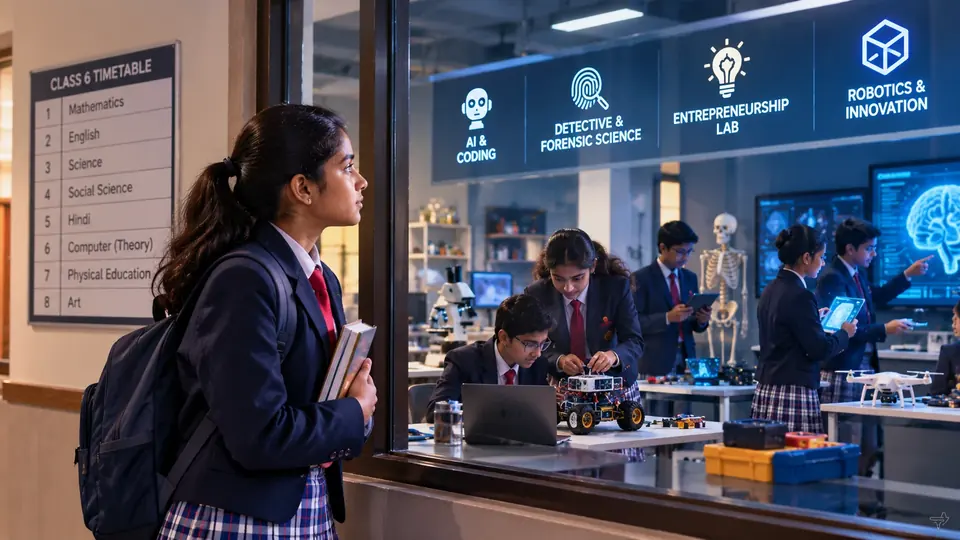
Hands-on labs for Classes 1 to 10 that sit inside the timetable, with lessons, missions and teacher guides included. Students investigate, code, design and pitch.

See all labs
  • Detective and Forensic Science
  • Ethical Hacking and Cyber Security
  • AI and Coding
  • Game Development and AI Animation
  • Biotech and Future Medicine
  • Future Engineering and Innovation
NOVA, the Learnorama AI companion

NOVA, the AI companion

NOVA guides with questions instead of handing over answers, so students do the reasoning, and it explains again when they are stuck.

An example of how NOVA replies

Why is India also called Bharat?

Good question. Before I answer: where do names of countries usually come from? Rivers, people, or old texts? Let’s check the clues in Mission Bharat.

The AI LMS

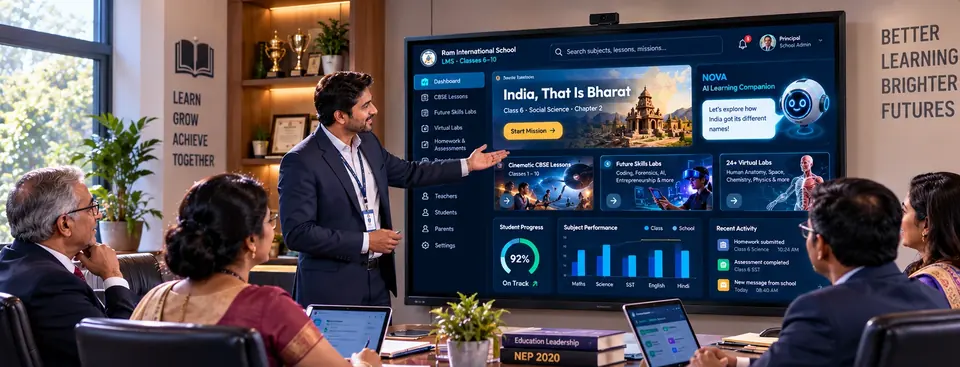
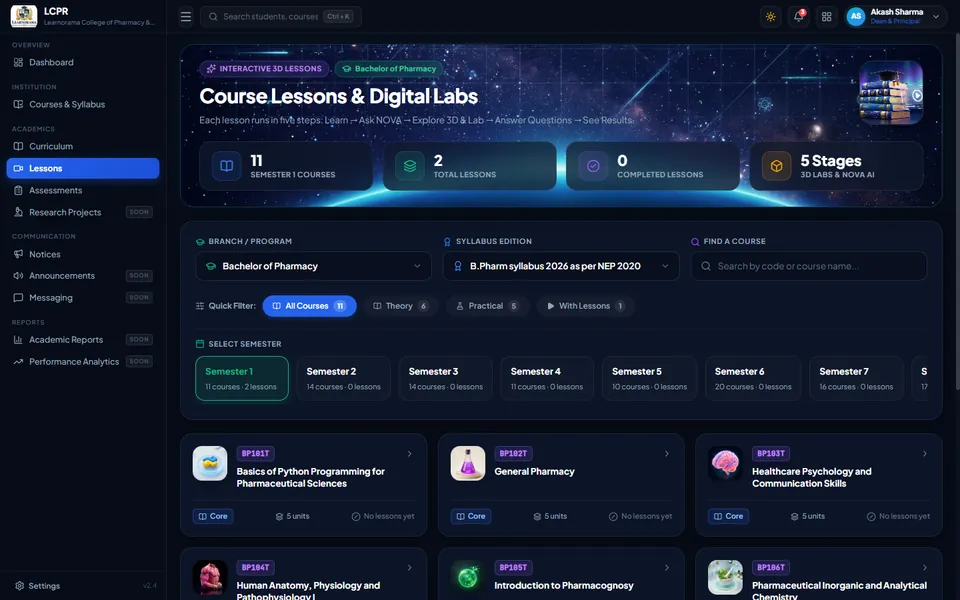
Homework, assessments, exam results and progress reports in one place, with dashboards for the school, teachers and parents. Messages go to each parent privately, not to a group.

See the LMS and NOVA
  1. Teacher sets homework
  2. Student completes it
  3. Work is submitted
  4. Report reaches teacher and parent

Classes 1 to 10

See what each class gets.

Choose a class to see the missions, labs and tools available to it.

Class 6 Ages 11–12

CBSE missions

Missions mapped to the Class 6 syllabus. Live now: Mission Bharat, Class 6 History.

Future Skills labs (ages 9–15)
  • Detective and Forensic Science
  • Ethical Hacking and Cyber Security
  • AI and Coding
  • Game Development and AI Animation
  • Biotech and Future Medicine
  • Future Engineering and Innovation
  • AI Film Making and AI Music Production
  • Business and Entrepreneurship Lab
  • Human Anatomy Lab
  • Space Lab
  • Geography Explorer Lab
NOVA

An AI companion that explains and asks guiding questions.

AI LMS

Homework, assessments, progress reports and a parent view.

In the classroom

The product, working.

A Future Skills mission as students see it: the Detective and Forensic Science Lab’s first case.

Screen recording of “The 15-Second Scene” in the Detective and Forensic Science Lab.

To add: verified numbersStudents using Learnorama, schools live, missions completed. Publish only figures you can show on request.
To add: a principal’s wordsOne or two sentences, with name, role and school, shared with permission.
To add: a parent’s wordsWhat changed at home, with first name and class, shared with permission.

For principals and school management

  • Missions and labs mapped to the CBSE syllabus and NEP 2020
  • Runs on the smart boards and computer labs you already have
  • Teacher training, lesson plans and ongoing academic support
  • Dashboards for leadership, teachers and parents

For parents

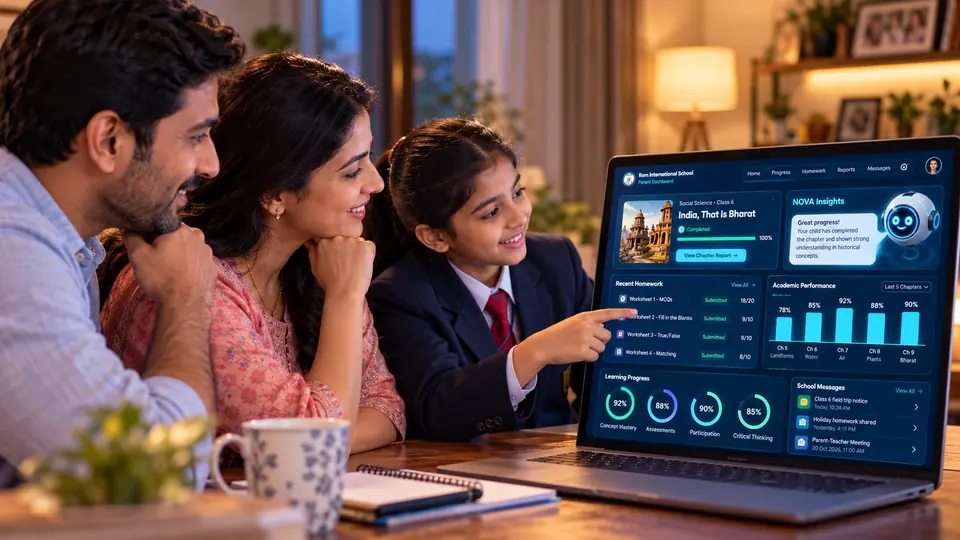
Your child steps into lessons instead of copying notes. You see homework, results and progress, and the school messages you directly.

Learnorama comes through schools. If you’d like it for your child, share it with your principal.

FAQ

Questions schools ask.

Something else? Call +91 98498 56143 or message us on WhatsApp.

Which classes and boards does Learnorama cover?

Cinematic CBSE missions are built for Classes 6 to 10. Future Skills labs run for Classes 1 to 10 (ages 4 to 15). The platform is designed around the CBSE curriculum and NEP 2020.

Does our school need new hardware?

No. Learnorama runs in a web browser on the smart boards, projectors and computer labs your school already has. Teachers can present missions to the whole class, and students can use the LMS on school or home devices.

How are teachers trained?

Rollout includes structured teacher training, lesson plans and classroom delivery guides, followed by ongoing academic support from the Learnorama team.

What do parents see?

Parents get their own login with homework status, exam results and progress reports, and receive messages from the school one-to-one, without large WhatsApp groups.

Can a parent sign up a child directly?

No. Learnorama is adopted by schools, and students get access through their school. If you are a parent, the quickest route is to share Learnorama with your principal; we are happy to talk to them.

What is NOVA, and does it just give students the answers?

NOVA is Learnorama’s AI learning companion. It guides with questions rather than handing over answers, so students work out the reasoning themselves, and it explains concepts again when they are stuck.

How much does it cost?

Pricing depends on the number of students, classes and programs your school chooses. Book a demo and we will send a proposal for your school.

How long does a demo take, and what happens next?

A demo is a live walkthrough of a CBSE mission, a Future Skills lab and the school, teacher and parent dashboards, usually online. If it fits, we prepare a proposal and a rollout plan for your school.

Book a demo

Book a demo for your school.

In the demo you’ll see a CBSE mission, a Future Skills lab and the school, teacher and parent dashboards, and get answers about rollout.

The team will call or WhatsApp you to set a time.