
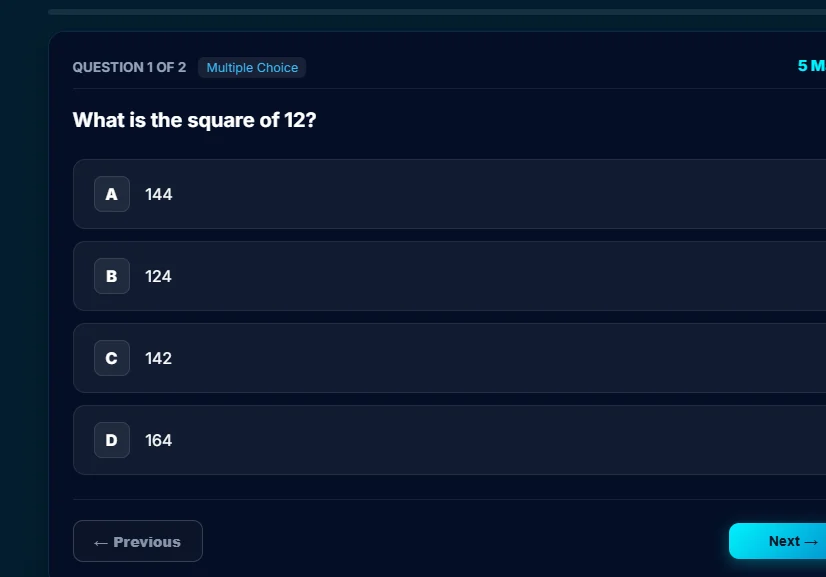
Student
Lessons, homework, assessments, results with feedback, badges and the day plan.
Reports & Dashboards
Every lesson, homework and assessment feeds five report areas, so teachers, school leaders and parents see how each student is learning, not only what they scored.
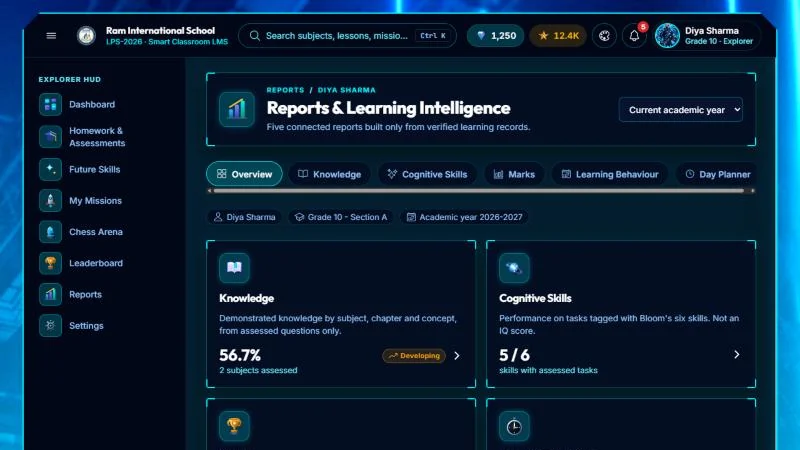
Five report areas
How well each concept, chapter and subject is understood, from marked homework, assessments and lesson checks. Video watching alone never counts.
Seen by Student, teacher, parent, school
Results on questions tagged with six thinking skills (from remembering and applying to evaluating and creating), each shown separately, with no combined score.
Seen by Student, teacher, parent, school
Scores from assessments, homework and lab tests, checked on the server, with the teacher’s written feedback.
Seen by Student, teacher, parent, school
Work completed and submitted on time, active learning days, lessons completed and revision taken part in, from records in the LMS.
Seen by Teacher, parent, school
A suggested plan for the day: homework due, lessons to finish and topics to revise, rebuilt from the student’s records.
Seen by Student, parent
The small charts are illustrations of each report, not real student data.
Every report page in the LMS shows how it is calculated. Where there is too little evidence, a report says so instead of showing a score, and missing work is never counted as zero.
Educational insights, not clinical assessments. Learning behaviour indicators and cognitive-skills reports describe patterns in schoolwork to help teachers and parents support a student. They are not medical, psychological or psychometric (IQ) assessments, and are not a diagnosis of any kind.
A dashboard for every role
Everyone sees what they need from the same records. Access is limited by role and by school.
Lessons, homework, assessments, results with feedback, badges and the day plan.
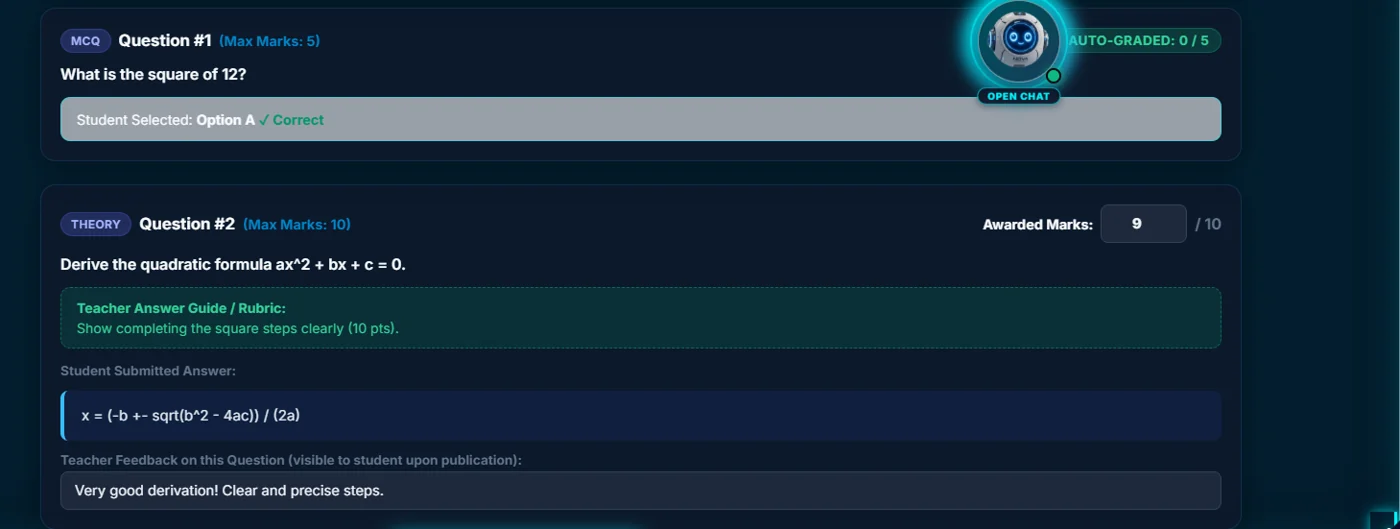
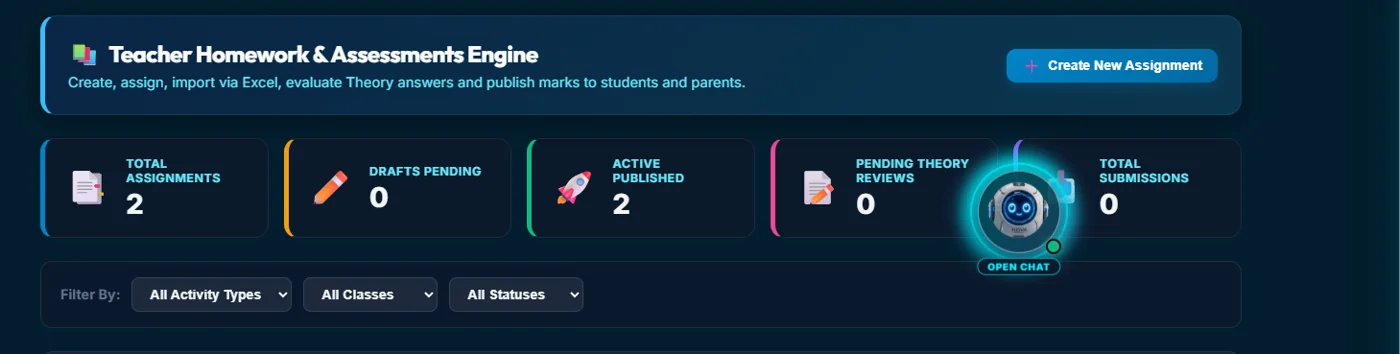
Set homework and tests, mark theory answers, and see each student’s progress by concept.
Progress, adoption and rollout across classes and sections, in one view.
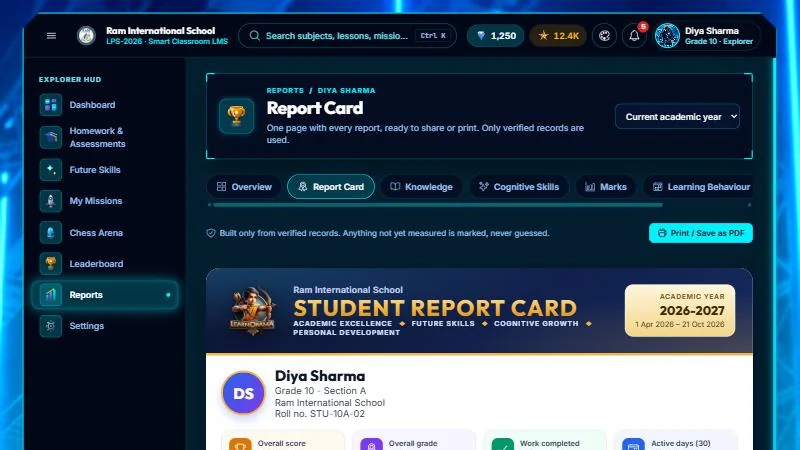
Homework status, published results, the report card and school messages.
Real LMS screens with demo school data. In a demo the school-leadership view shows your own classes.
A demo shows this working with your curriculum and classes, alongside the rest of the AI LMS.